Public Wi-Fi in Korea: Official Network Names and Connection Steps
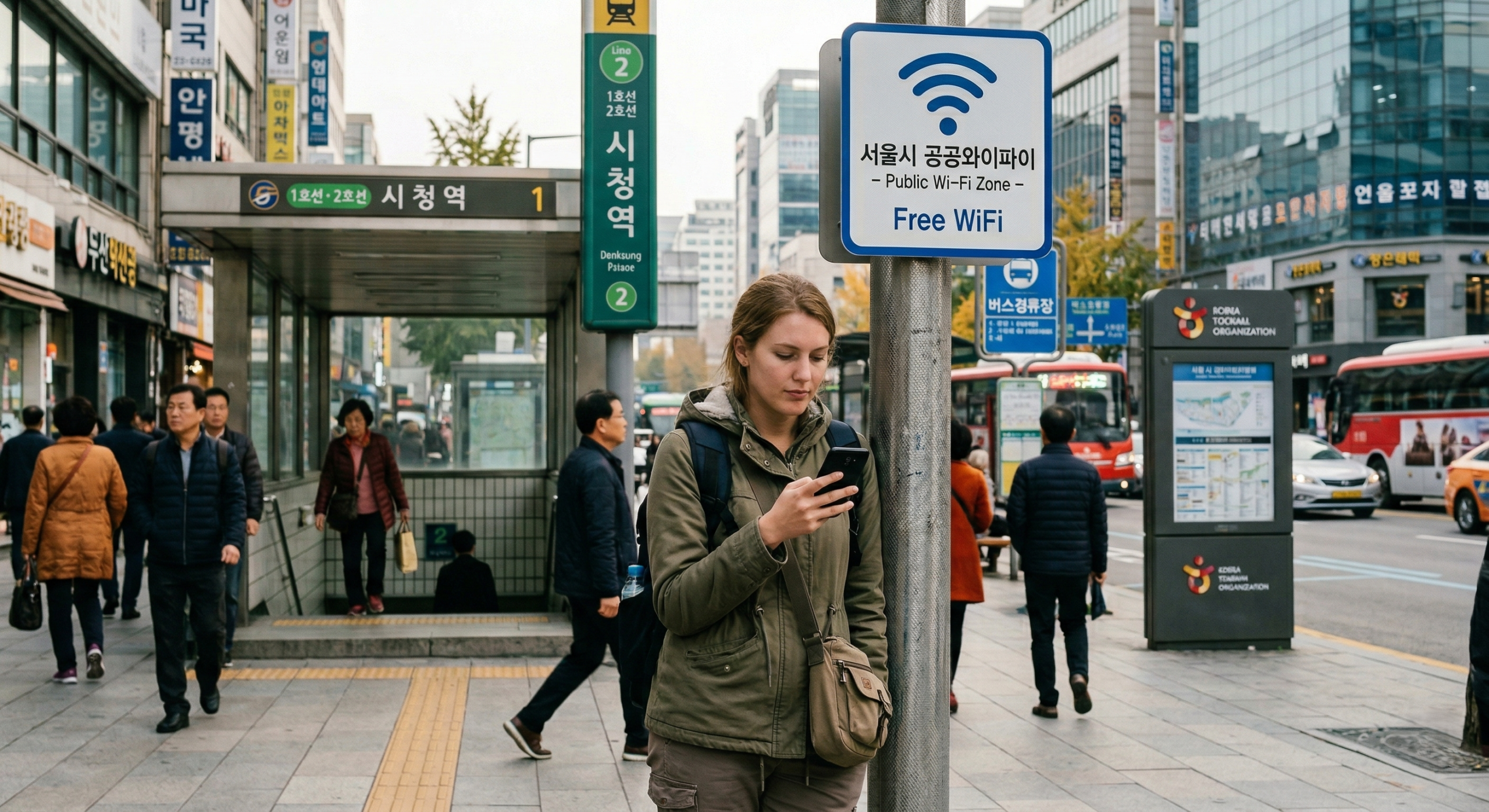
Foreign traveler checking a phone near a public Wi-Fi area in Seoul

At Incheon Airport, look for the airport’s published network name. In Seoul, use the city’s public-network instructions. A nearby signal with “free” in its name is not enough to identify who operates it. Which network should you select? Location or service Officially published name Connection approach Incheon International Airport AIRPORTWIFI Open Wi-Fi settings, select the … Read more
No Mobile Data in Korea? Fix It and Keep Travel Details Offline

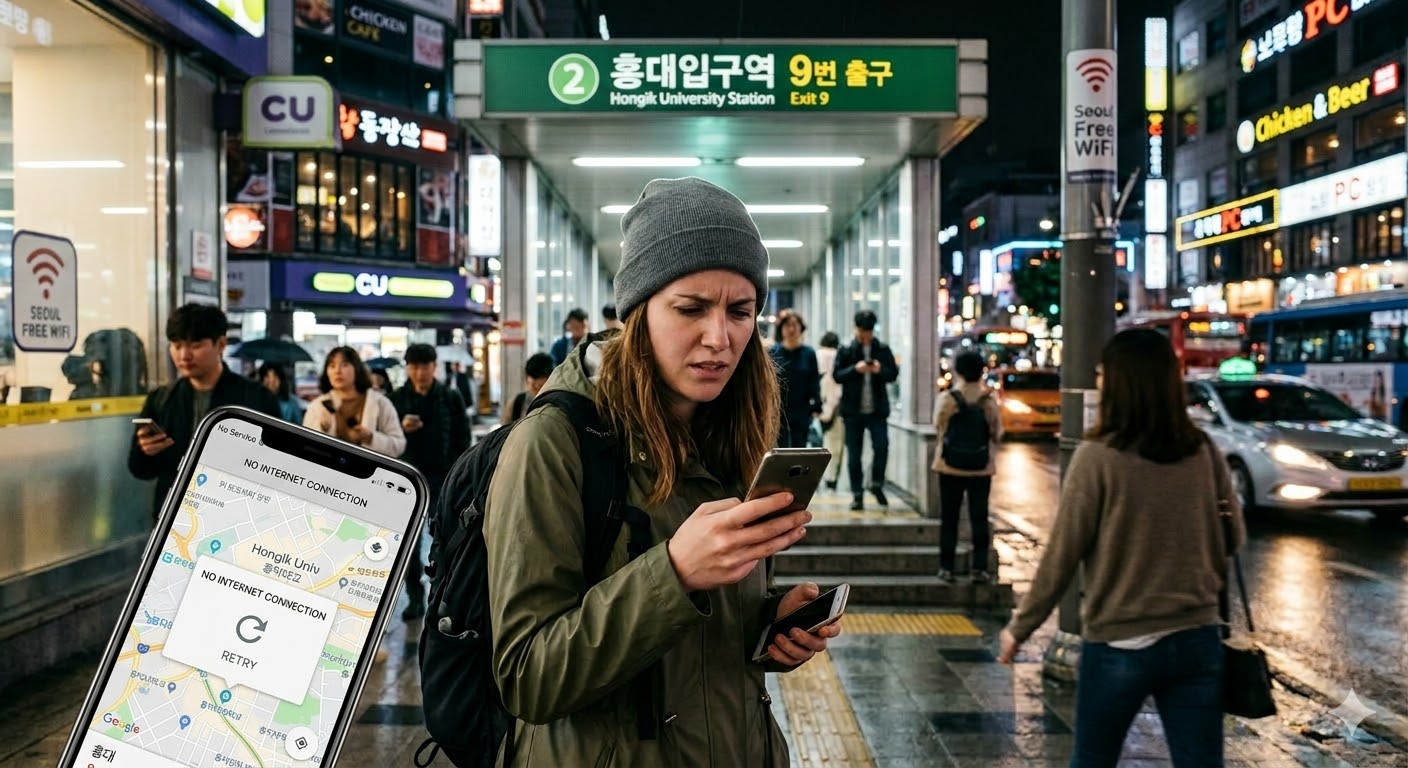
foreign traveler checking a phone with no data near a Seoul subway exit at night

If maps and messages stop loading in Korea, first check whether you have a mobile-data problem, an unfinished Wi-Fi sign-in, or a phone that is running out of power. The next step depends on which one has failed. Keep your hotel address and the next booking within reach while you restore the connection. Updated 21 … Read more

Do Tourists Need a Korean Phone Number? Calls, SMS and Identity Checks

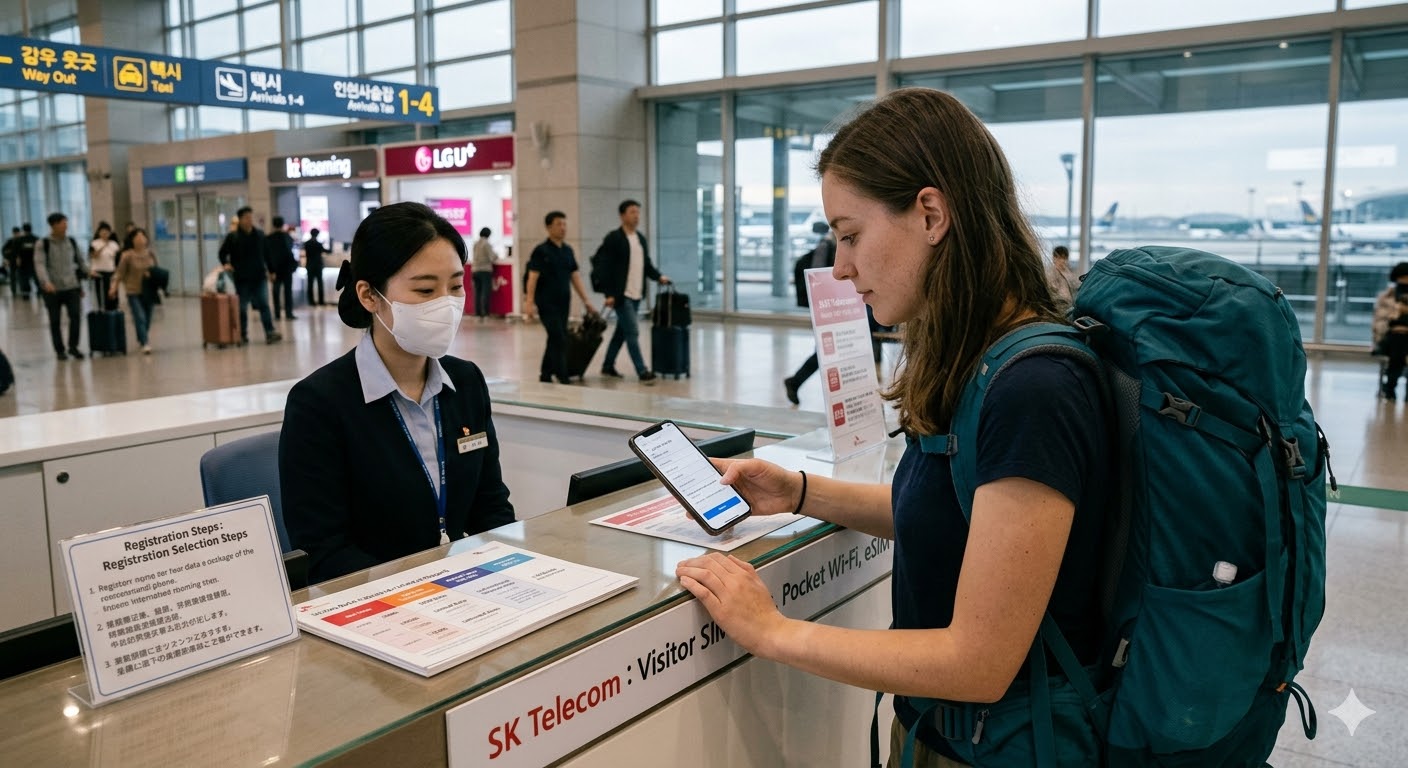
foreign traveler setting up a tourist SIM at an airport telecom counter in Korea

You do not need to buy a Korean number solely because you are visiting Korea. Start with the services you intend to use. Map data, a restaurant calling you back, an SMS code and Korean identity verification are four different requirements. Match the plan to the task Task What to check before buying Maps, messaging … Read more

Korea eSIM at Incheon Airport: Prices, Counters and Setup

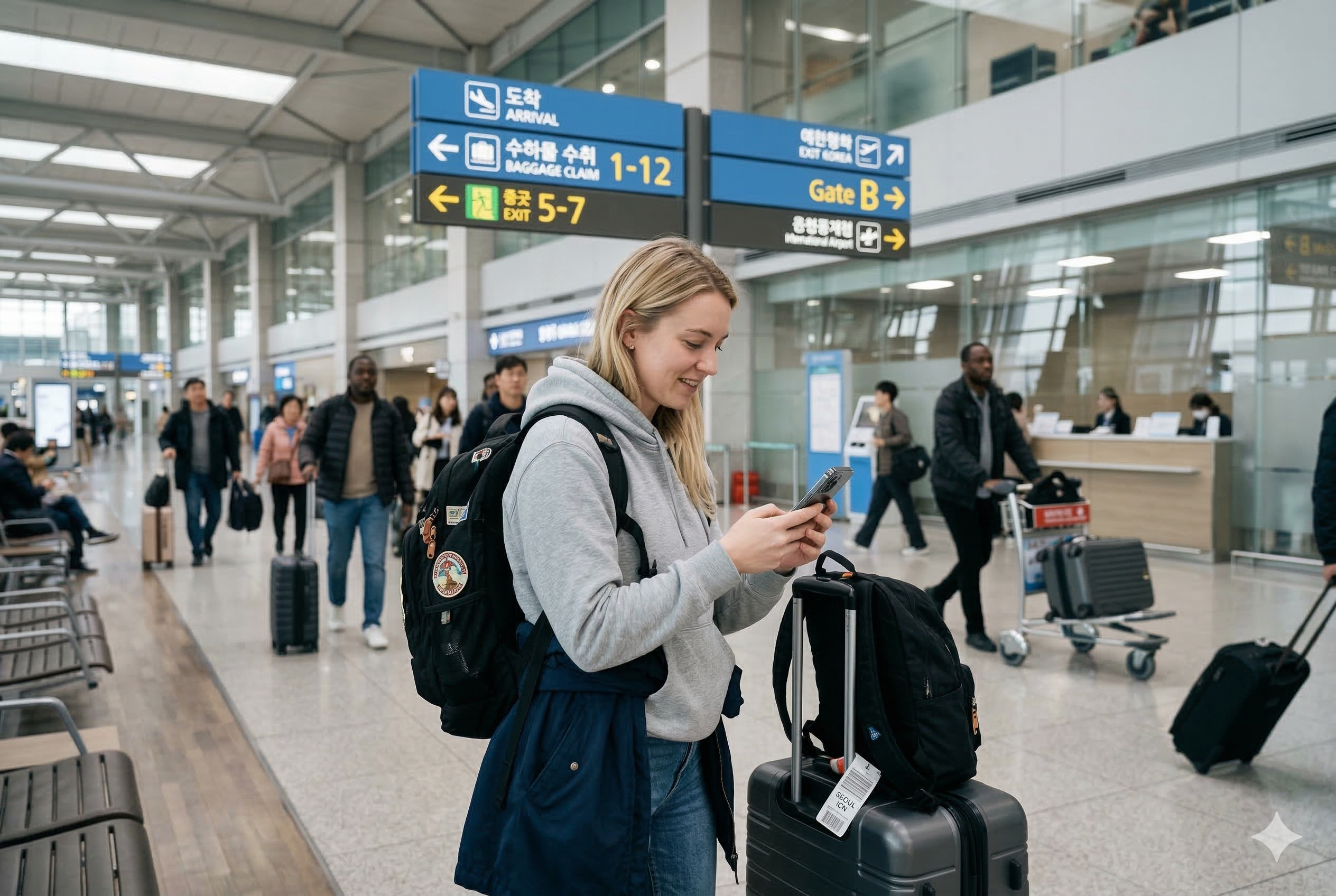
Foreign traveler using a smartphone at Incheon Airport after arriving in Korea

Before buying a Korea eSIM, check three things: your exact phone model is supported, it is unlocked for another carrier, and the plan includes the calls or texts you actually need. At Incheon Airport, finish installation and test mobile data before leaving the roaming counter. This guide compares two direct-carrier options with published information checked … Read more