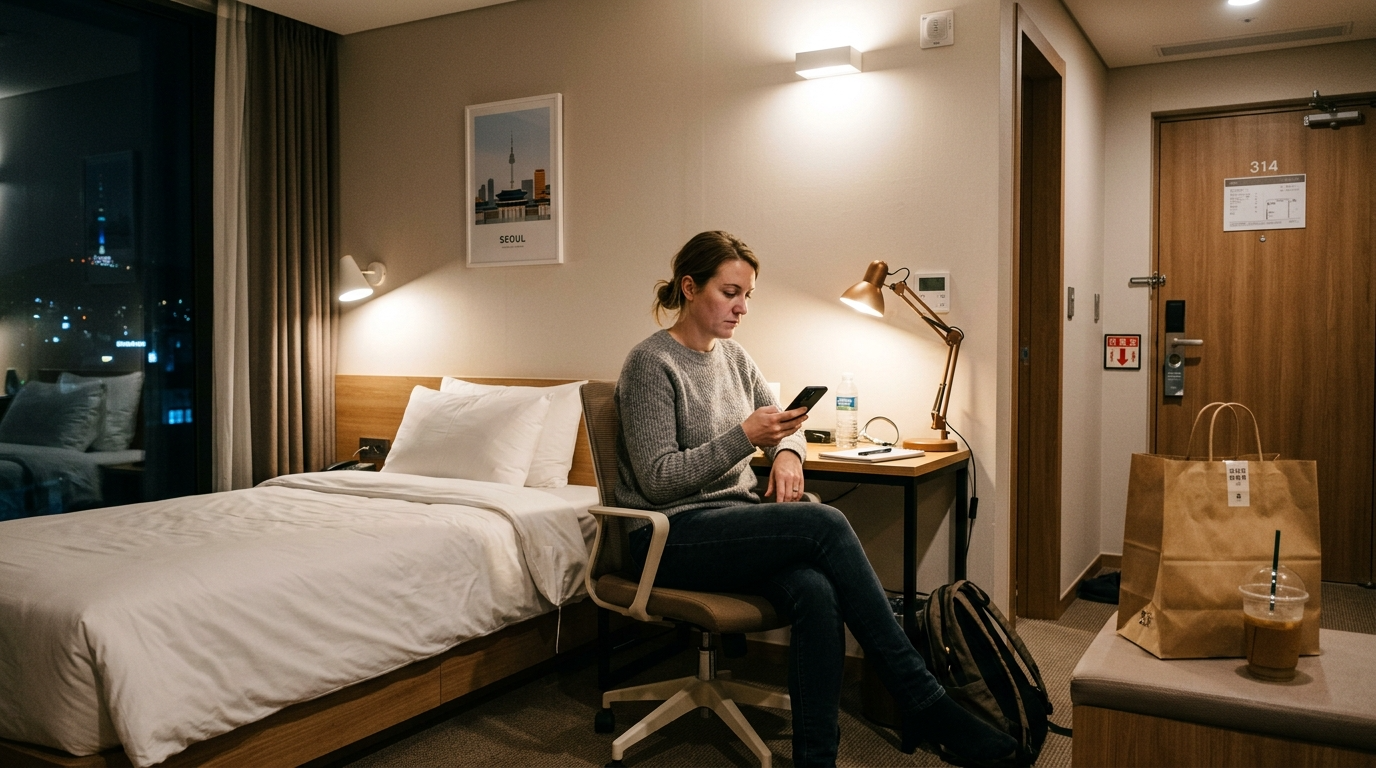
Tourists can order food delivery in Korea, but the order needs both a usable checkout and a place where you can meet the driver. Before choosing dishes, confirm that your hotel permits outside deliveries and decide where you will collect them.
A verified starting point: Shuttle
The Korea Tourism Organization identifies Shuttle Delivery as an option for visitors who need foreign-card support and signup without a Korean phone number. Shuttle’s own FAQ describes email registration, major-credit-card acceptance and English ordering. That makes it a useful first option for visitors with U.S., Canadian or Australian cards; it is not a promise that every issuer or order will be accepted.
Shuttle lists communities in Seoul, Osan, Pyeongtaek, Daegu and Busan. Enter your exact address to see the restaurants actually serving it. A city appearing on the service list does not mean every neighborhood or hotel is covered. Its website lists general hours of 10:00–22:00; individual restaurant availability and the checkout shown for your address control the order.
From hotel permission to food in your hands
- Ask reception first: “May I order outside food, and where should I meet the driver?” Confirm whether the lobby, entrance or a designated shelf is permitted. Do not assume staff will receive it, refrigerate it or bring it upstairs.
- Copy the hotel’s Korean road-name address. Include its exact branch name and any building detail required. Check that the map pin is at the same entrance you will use.
- Enter the address before browsing. Choose a restaurant from the resulting service area, then check the minimum order, delivery fee and current estimated arrival.
- Review the basket. Confirm item quantities, options, food total and all fees. Choose only allergy or ingredient changes the restaurant can actually confirm.
- Set a reachable contact and pickup note. Use your own contact details. If your SIM is data-only, establish how support and the driver can reach you before paying.
- Wait for confirmation. Shuttle says it sends an email receipt and a message after restaurant confirmation. If the order status is unclear, ask support to check before placing another order.
- Meet at the agreed point. Watch the order status, bring the order reference and collect the bag yourself. Check the order while a support conversation is still practical.
Illustrative pickup note: “I will meet the driver at the main lobby entrance. Please message me in the app when you arrive.” Use this only if the app supports that contact method for your order and your hotel allows that meeting point. It is a model sentence, not a tested instruction for a named property.
Compare delivery with pickup before paying
| Your situation | Practical choice |
|---|---|
| Your address has available restaurants, the hotel allows pickup, and you can monitor the order | Delivery can work. Review the full checkout total and expected arrival before committing. |
| The hotel has no suitable handoff point | Choose restaurant pickup or eat nearby. Do not use a nearby hotel’s address without its permission. |
| No restaurants appear for the address | Check the address and service hours once. Then use pickup or a nearby meal option; changing the pin to a false location will not solve coverage. |
| Your evening is tied to a train, tour or early bedtime | Pickup gives you more control over collection, but confirm that the restaurant has accepted the pickup order before walking over. |
What to do when an order stalls
Card declined: check the issuer’s authentication request and the order list. Do not keep submitting the basket because the payment screen looks slow. If a bank entry exists, establish whether there is an accepted order.
Driver cannot find you: describe the entrance using the hotel’s actual name and visible landmark. Stay at one agreed pickup point while resolving the problem; moving between entrances without telling anyone makes the handoff harder.
Wrong or missing food: keep the order reference and photograph the received items and receipt for the platform’s support process. Do not assume the front desk can change or refund an order placed on your account.
Delivery fees vary with distance and the selected restaurant. There is no reliable single “Korea delivery fee” to budget from. Use the displayed checkout total, and check cancellation conditions before placing an order. For a U.S. visitor accustomed to adding a driver tip, Shuttle’s FAQ says its drivers do not expect or demand one.
Sources and checking date
Official information checked October 22, 2026. No order was placed and no hotel delivery policy was personally tested. Coverage, restaurant hours and fees must be checked for the actual address.
- Shuttle FAQ: payment, confirmation, fees and support
- Shuttle address-based restaurant search
- KTO tourist delivery guidance
Related: Phone numbers and SMS · Hotel arrangements · Convenience-store meals