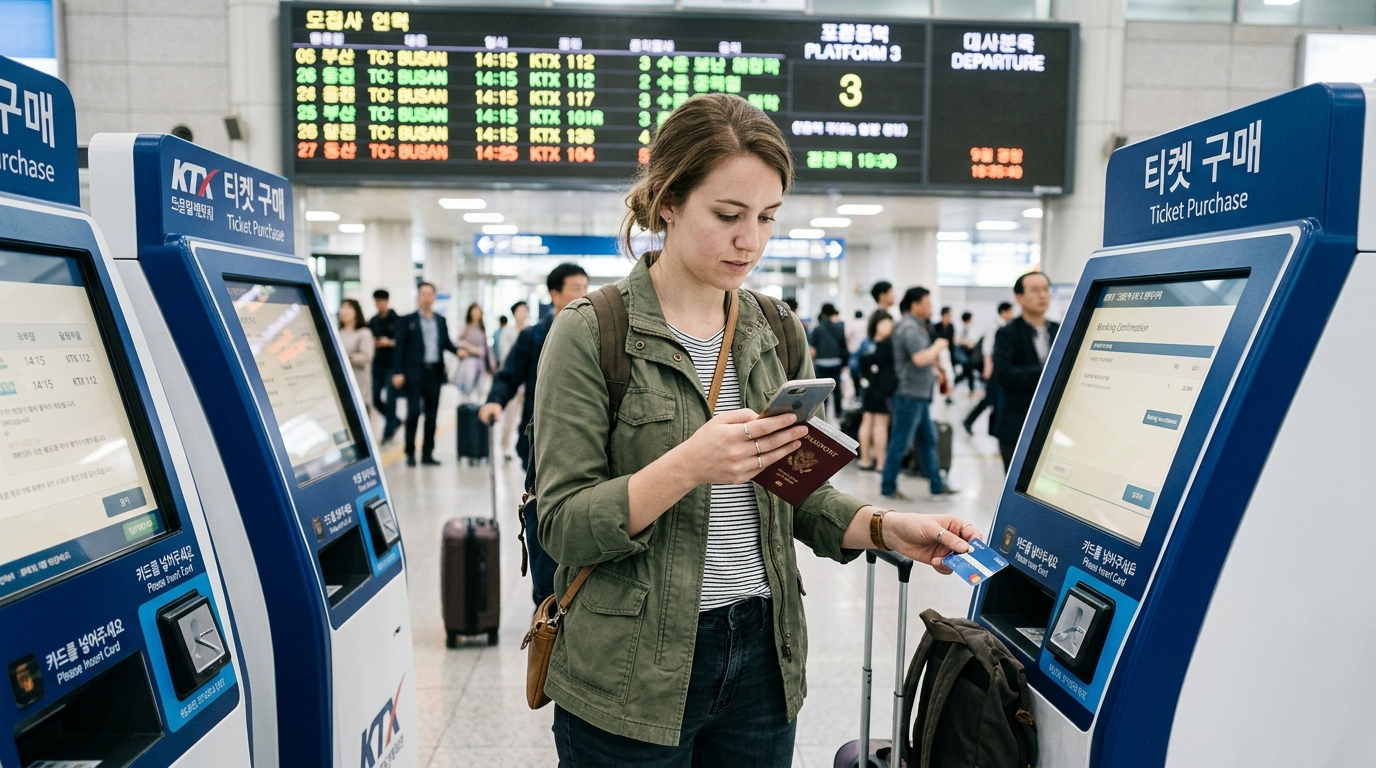
If a booking fails, first establish whether you have an issued ticket. A bank notification, a pending card charge and a reservation screen can describe different stages. Repeatedly paying before checking the first attempt risks duplicate bookings.
Use the right reservation system
| Journey | Official starting point | What to verify |
|---|---|---|
| KTX and other KORAIL trains | KORAIL English website | Departure station, train number, date, class and ticket status. A rail pass is not an assigned seat. |
| Express bus | KOBUS | Exact origin and destination terminals, coach grade, and ticket retrieval instructions. |
| Intercity bus | T-money intercity bus or Bustago | Whether the selected route is available in that system and whether a terminal-issued ticket is required. |
English navigation does not prove that every foreign card, authentication method or route will work. Use a genuine contact method you control. Do not enter an invented Korean phone number to get past a form: it may be needed to retrieve or change the booking.
Match the failure to the next action
| What you see | What to do next |
|---|---|
| Page will not load, or payment window never opens | Open the official website in a normal supported browser instead of an in-app browser. KORAIL recommends Chrome, Samsung Internet or Safari and a stable connection. Restart the flow only after checking for an existing ticket. |
| Card rejected before confirmation | Check the foreign/overseas-card option if offered, entered details and the issuer’s authentication request. Ask the card issuer about a declined transaction. Try another card only after confirming no ticket was issued. |
| Bank charge or authorization, but no ticket | Look up the booking in the same sales channel using the details entered. Preserve the reference and error message. Contact that seller before buying again; a pending bank entry alone is not boarding authority. |
| Booking exists, but no usable barcode or print instruction | Read the seller’s issuance and pickup rules. For buses, the Korea Tourism Organization notes that some bookings require printing at the departure terminal. |
| No departures found | Check the date, opening of the booking window, station or terminal spelling, and whether you searched the correct bus system. An empty result does not automatically mean every seat is sold. |
| Chosen service is sold out | Compare adjacent departures, another class or a different mode. Check each alternative’s terminal and final arrival location before paying. |
One payment-failure example, end to end
Illustrative case: you are buying Seoul–Busan rail tickets with a U.S. card, and the bank sends an alert just before the browser stops. Keep the page reference, then check the seller’s ticket lookup. If an issued ticket appears, verify every traveler, date and train and save the official ticket. If no booking appears, ask the seller to confirm the status and ask the bank whether the entry is pending or completed. A second card is a fallback after that check, not proof the first charge disappeared.
The same sequence applies to Canadian and Australian cards. Issuer controls and authentication differ by card; a card working at a shop does not prove the online transaction will succeed. Never send full card details or security codes in an ordinary support message.
When the remaining seats are on another route
Compare the entire journey. For example, an available bus to a city’s intercity terminal may leave you farther from your hotel than the railway station. Include the terminal transfer, luggage, arrival time and any final local connection. Do not buy two connecting tickets with a tight transfer merely because each segment has availability.
If your date is fixed and online booking still fails, go to a staffed railway or bus ticket counter with the desired departure and destination written down. Bring your passport, payment card and any existing booking references. Ask staff to check the previous booking before issuing a replacement. Counter service cannot create seats on a sold-out departure.
Before heading to the platform
- Read the exact station or terminal name from the issued ticket, not just the city name.
- Check whether your document is an actual ticket, a voucher to exchange, or an unpaid reservation.
- Allow time for any required terminal printing. Keep the booking reference and the payment method used if the seller asks for it.
- Check the departure board for platform or bay and any changes. For buses, KTO advises boarding 5–10 minutes before departure.
For cancellations or a missed departure, use the original seller’s current rules. Refund timing and fees depend on the ticket and timing; this guide does not promise an automatic full refund.
Sources and checking date
Official information checked October 22, 2026. No paid booking or deliberate payment failure was tested. The scenario is illustrative, and live checkout requirements can change.
Continue with KTX ticket, platform and boarding guidance or foreign-card payment troubleshooting.
1 thought on “KTX and Bus Booking Problems in Korea: Payment, Tickets and Sold-Out Routes”
Comments are closed.